Upload project files
Related information
 Related topics
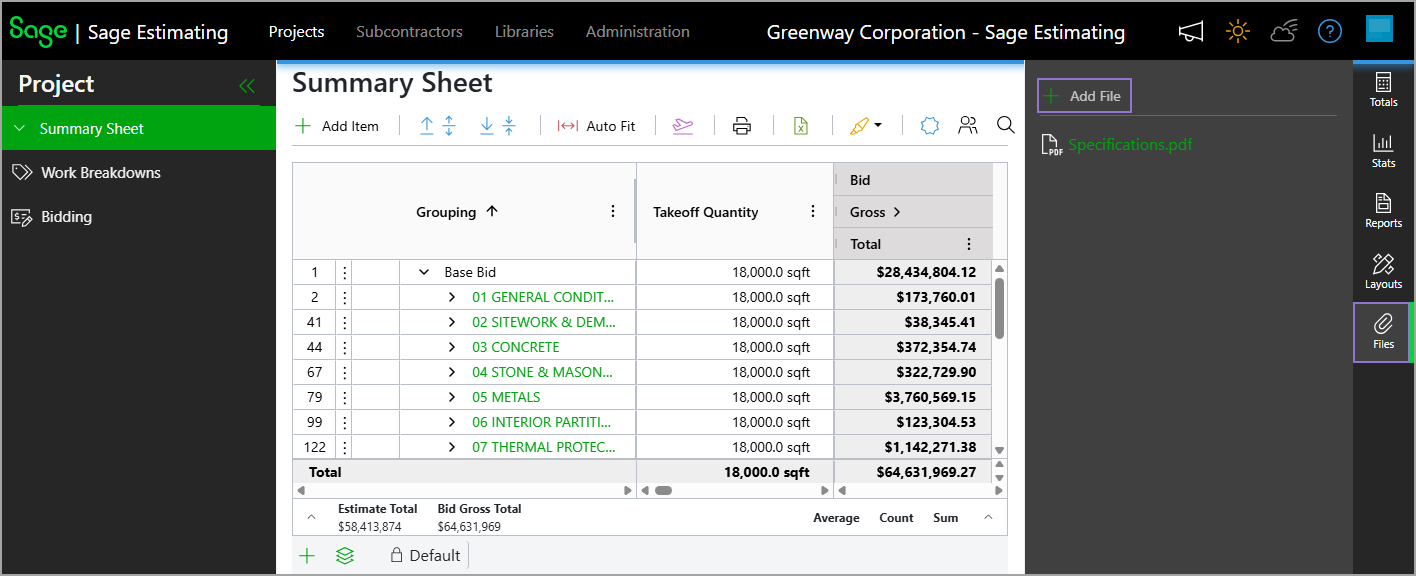
A new Files option has been added to the right pane on the project Summary Sheet, allowing you to upload and manage project files directly within a project. This provides a centralized location for supporting documentation such as plans, specifications, and other relevant files.
To add a file, on the project Summary Sheet, select Files > Add File, then upload the appropriate file from your local drive.